
.png)

Description
Download Jump With Justin – Free Endless Vertical Platformer Game
Overview
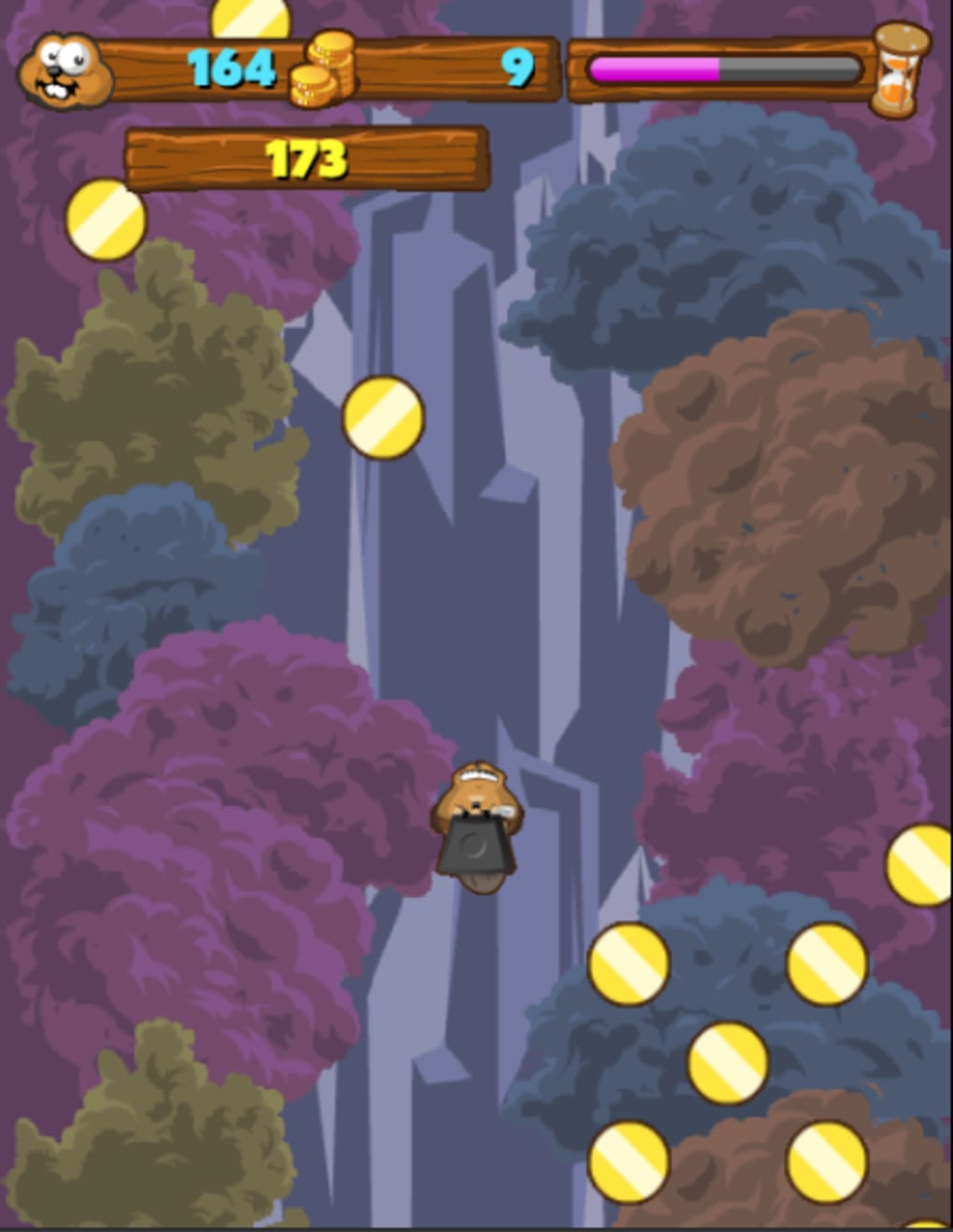
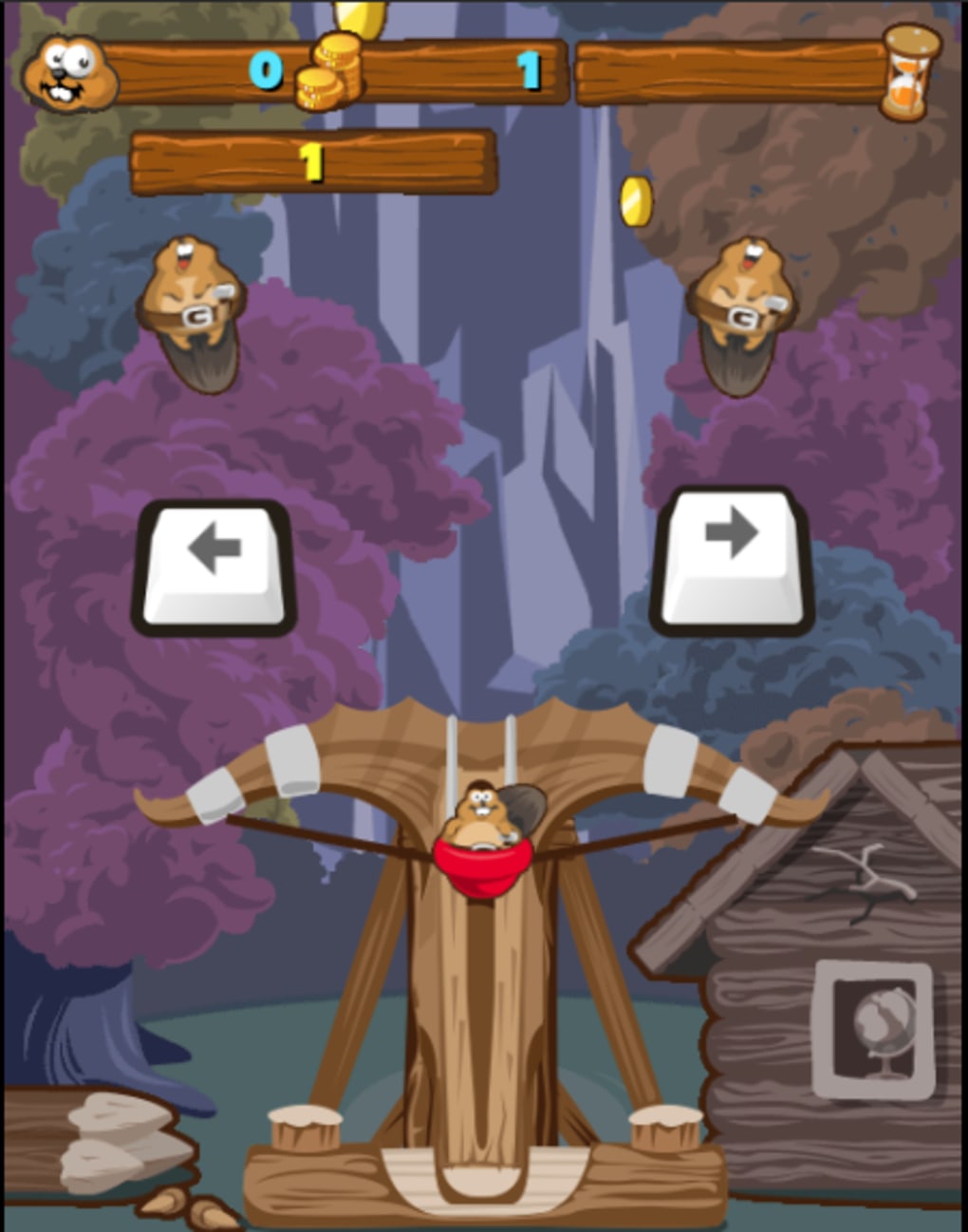
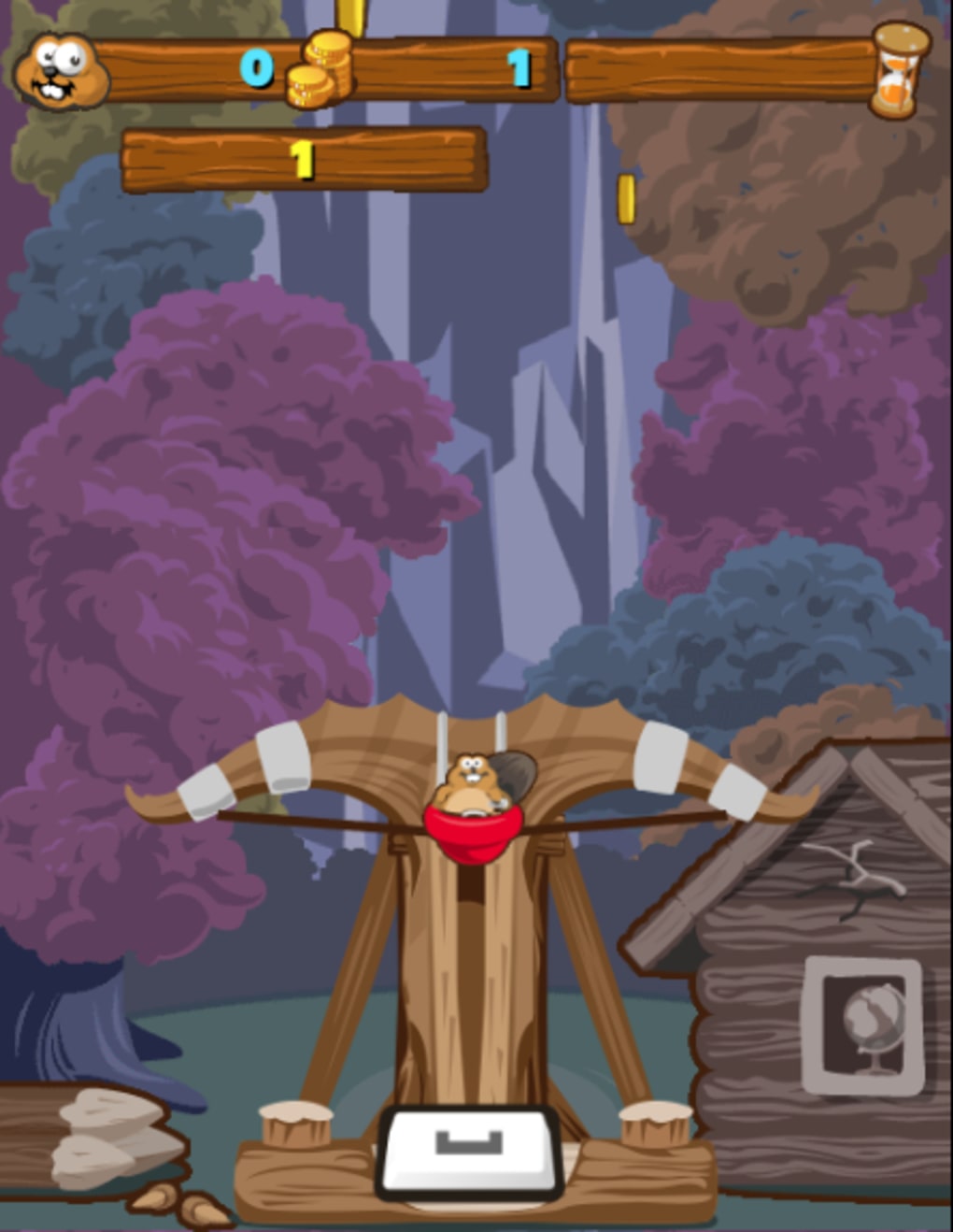
Jump With Justin is a free, browser‑based vertical platformer that puts you in the paws of a determined beaver named Justin. The core loop is simple yet addictive: launch Justin upward with a slingshot, collect shiny coins and power‑ups, and keep climbing higher before gravity pulls you back down. The game mirrors the classic feel of titles like Doodle Jump and Sonic Jump, but adds its own quirky twist with a beaver protagonist, a variety of collectible items, and a handful of hazards that keep the challenge fresh. There is no defined ending—your only goal is to beat your personal high score, making each session feel like a fresh attempt at reaching the sky. Controls are intentionally minimal: press and hold the Spacebar to pull back the slingshot, then use the Left and Right Arrow keys to steer Justin while he’s airborne. The intuitive control scheme makes the game accessible to players of all ages, while the layered mechanics (coins, power‑ups, obstacles) provide depth for seasoned gamers looking for a high‑skill experience. The UI is clean, displaying only essential information such as the current coin count, the best record, a boost timer, and a settings button. Overall, Jump With Justin delivers a smooth, instantly playable experience that can be accessed from any modern browser without the need for downloads or installations.
Features & Gameplay Mechanics
- Endless vertical scrolling – the sky is truly the limit.
- Simple three‑button control scheme (Spacebar, Left Arrow, Right Arrow).
- Variety of collectible coins: regular, safe, trampoline, and wooden (spiked) coins.
- Power‑ups that boost height: Magnet (attracts coins), Firecracker, Propeller, Balloon.
- Upgradeable power‑ups using earned coins for longer duration.
- Special items: Heavy Anvil (adds weight), Shrink Potion, Pass‑Through Jacket.
- Dynamic obstacles such as spikes and heavy anvils that require precise timing.
- Real‑time score tracking and personal best display.
- Responsive UI with minimal on‑screen clutter.
- Cross‑platform browser compatibility – play on Windows, macOS, Linux, or mobile browsers.
How the Gameplay Feels
The first launch of Justin feels like a satisfying springboard, especially when you manage to line up a series of coins and land on a stable platform. The game rewards rhythmic timing: as the slingshot’s momentum fades, you must quickly grab a coin or land on a platform to keep the upward thrust alive. Power‑ups add a strategic layer—activating a magnet at the right moment can turn a sparse coin field into a gold rush, while a balloon can give you a temporary lift that bypasses a tricky spike zone. The upgrade system encourages players to invest in the items they enjoy most, creating a sense of progression even in a “no‑end” game. Conversely, the heavier anvil and shrinking potion introduce risk‑reward decisions; an anvil can help you stay grounded when you’re near a dangerous edge, while shrinking lets you navigate tighter gaps. The blend of fast‑paced action and thoughtful upgrades keeps each run feeling fresh, prompting players to experiment with different power‑up combinations to climb higher than before.
Installation, Usage & Compatibility
Getting Started – No Download Required
Jump With Justin is a pure HTML5/JavaScript title, which means you can launch it directly from your web browser without any installation steps. Simply navigate to the official game page, click the “Play Now” button, and the game loads in a matter of seconds. Because it runs entirely in the browser, there are no executable files, installers, or additional plugins required. This makes the game ideal for quick, on‑the‑go sessions on any device that supports modern web standards.
System Requirements
The game is compatible with all major operating systems that can run a contemporary web browser, including Windows 10/11, macOS Monterey and later, Linux distributions with Chrome/Firefox, as well as Android and iOS mobile browsers. For the best experience, we recommend using the latest version of Chrome, Edge, Firefox, or Safari, as these browsers provide the most reliable WebGL and canvas performance required for smooth animation.
Gameplay Controls & Settings
Once the game loads, you’ll see a brief tutorial overlay that explains the three core controls: press and hold Spacebar to pull back the slingshot, release to launch, and use the Left/Right Arrow keys to steer mid‑air. A small settings icon in the upper‑right corner lets you toggle music, sound effects, and visual quality (low, medium, high). Adjusting the visual quality can help older hardware maintain a stable frame rate, especially when many coins and power‑ups appear on screen simultaneously. The game also supports full‑screen mode for an immersive experience—just press F11 (or use the on‑screen full‑screen button) to expand the canvas to the edges of your monitor.
Saving Progress & Leaderboards
Progress is saved locally via the browser’s localStorage API. Your best score, collected coins, and upgraded power‑ups persist across sessions as long as you don’t clear your browser data. While Jump With Justin does not feature an online leaderboard at launch, the local high‑score display provides a personal benchmark that motivates repeated play. Future updates may introduce cloud‑based leaderboards, but the current implementation ensures that you can continue improving without an account.
Pros, Cons, Frequently Asked Questions & Review
Pros
- Fully free and instantly playable in any modern browser.
- Simple, intuitive controls that are easy to learn but hard to master.
- Rich variety of coins, power‑ups, and obstacles that keep gameplay fresh.
- Upgrade system adds a sense of progression in an endless game.
- Responsive design works on desktop, tablet, and mobile browsers.
Cons
- Occasional edge‑case bugs where Justin can slip through the side of the screen.
- No global leaderboard or social sharing features at present.
- Power‑up durations can feel short without frequent upgrades.
- Graphics are functional but lack the polish of premium titles.
- Audio cannot be customized beyond simple on/off toggles.
FAQ – Frequently Asked Questions
Is Jump With Justin completely free?
Yes, the game is 100% free to play. There are no hidden fees, subscription requirements, or mandatory purchases.
Can I play Jump With Justin on a mobile device?
Absolutely. The game runs in any modern mobile browser (Chrome, Safari, Firefox) and uses the same keyboard controls mapped to on‑screen touch buttons.
Do I need to install any plugins or Flash?
No. Jump With Justin is built with HTML5 and Canvas, so it works without any additional plugins, Flash, or Java installations.
How are power‑ups upgraded?
Collected coins can be spent in the in‑game shop to increase the duration or effectiveness of each power‑up. Upgrades persist between sessions.
Is my high score saved if I close the browser?
Yes. The game uses localStorage to keep your best score and upgraded items as long as you don’t clear your browser’s cache.
Professional Review
Rating: ★★★★☆ (4 out of 5)
Jump With Justin delivers a delightful blend of simple controls and deep, replayable mechanics. The endless vertical climb keeps players engaged, while the variety of coins and power‑ups adds strategic depth. Minor bugs and the lack of a global leaderboard keep it from being perfect, but overall it stands out as a high‑quality, free browser game that anyone can pick up in seconds.
- Free, instant play, addictive loop.
- No online leaderboard, occasional edge glitches.
Conclusion & Call to Action
If you’re searching for a quick, free, and endlessly challenging platformer that works straight from your browser, Jump With Justin is an excellent choice. Its charming beaver hero, diverse power‑ups, and simple yet skill‑based controls make it suitable for both casual players looking for a few minutes of fun and hardcore gamers chasing personal high scores. Download (i.e., open) Jump With Justin today, start stacking coins, upgrade your boosters, and see how high you can climb before gravity pulls you back down. The sky’s the limit—just keep jumping!
Ready to test your reflexes? Play Jump With Justin now and join the endless ascent!
Guides & Tutorials for Jump With Justin
How to install Jump With Justin
- Click the Preview / Download button above.
- Once redirected, accept the terms and click Install.
- Wait for the Jump With Justin download to finish on your device.
How to use Jump With Justin
This software is primarily used for its core features described above. Open the app after installation to explore its capabilities.
User Reviews for Jump With Justin 0
No reviews found




